
How to Tell When It’s Time for a Website Maintenance Check-Up

Your website is one of your most important business tools — but just like a car or computer, it needs regular maintenance to keep running smoothly. If it’s been a while since you’ve done a website “check-up,” now is the perfect time to make sure everything’s up to date and performing as it should.
Here are some clear signs that your website might be due for a little TLC:
Slow Loading Times
If your pages are dragging, you may be losing visitors before they even see your content. Slow load times can be caused by outdated plugins, large image files, or bloated code — and they can hurt your Google ranking, too.
Tip: Run your site through Google PageSpeed Insights to see how it's performing.

2. Security Warnings or Expired SSL
If your site shows a “Not Secure” message or security errors in the browser, that’s a red flag. An expired SSL certificate or outdated CMS version could be putting your site (and visitors) at risk.
Tip: Make sure your site has a valid SSL certificate and that you're running the latest version of WordPress (or whatever platform you're using).
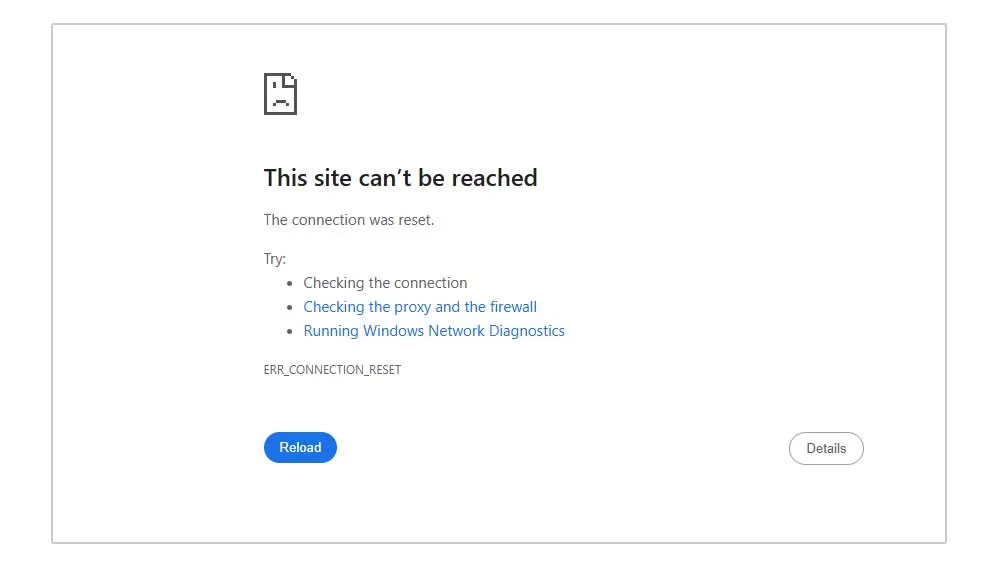
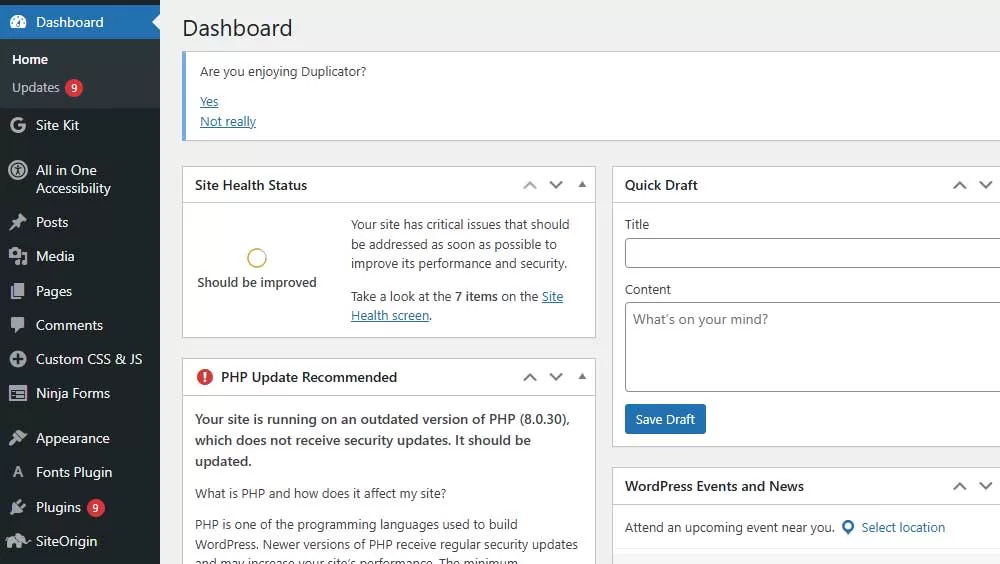
3. Outdated or Broken Plugins
Plugins are great tools — until they’re not. If you're seeing strange errors, layout glitches, or parts of your site that don't work anymore, it's possible that a plugin is no longer supported or needs to be updated.
Tip: Check for plugin updates regularly and remove any that you’re no longer using.
4. Poor Mobile Experience
Even if your site looked fine when it was first built, mobile devices and user habits have changed. A site that’s not responsive or easy to use on a phone is a huge turn-off for visitors.
Tip: Test your site on your own phone and tablet — and don’t just look at the homepage. Try menus, forms, and clickable elements, too.
5. Outdated Content or Missing Info
Do you still list a promotion from last year? An old phone number? A “Coming Soon” blog post from 2021? Stale content makes your business look inactive or out of touch.
Tip: Review your homepage, services page, and contact info at least once a quarter to make sure everything is current.
6. No Backups or Broken Forms
If your contact form isn’t working or you’re not sure when your last site backup was, that’s a major issue waiting to happen. Make sure your forms work and that your site is being backed up regularly.
Tip: Test your forms and consider setting up automatic backups through your hosting provider or a plugin like UpdraftPlus.
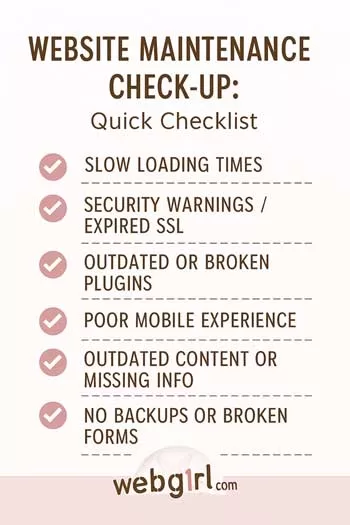
Doing a website check-up doesn't have to be overwhelming — even a quick review can uncover issues before they become bigger problems. If you’d like help making sure your site is in great shape, I offer affordable maintenance packages and one-time tune-ups.
Contact me here to get started or ask a quick question!
Recent Posts
-
How to Turn Website Visitors into Paying Customers
October 13, 2026 -
How Your Website Builds Trust Before You Talk to a Customer
September 17, 2026 -
Why So Many Sites Struggle with Small Business Website Content
August 12, 2026